The Associated Press
AI-first election graphics platform
How should AI fit in a high-stakes editorial workflow?
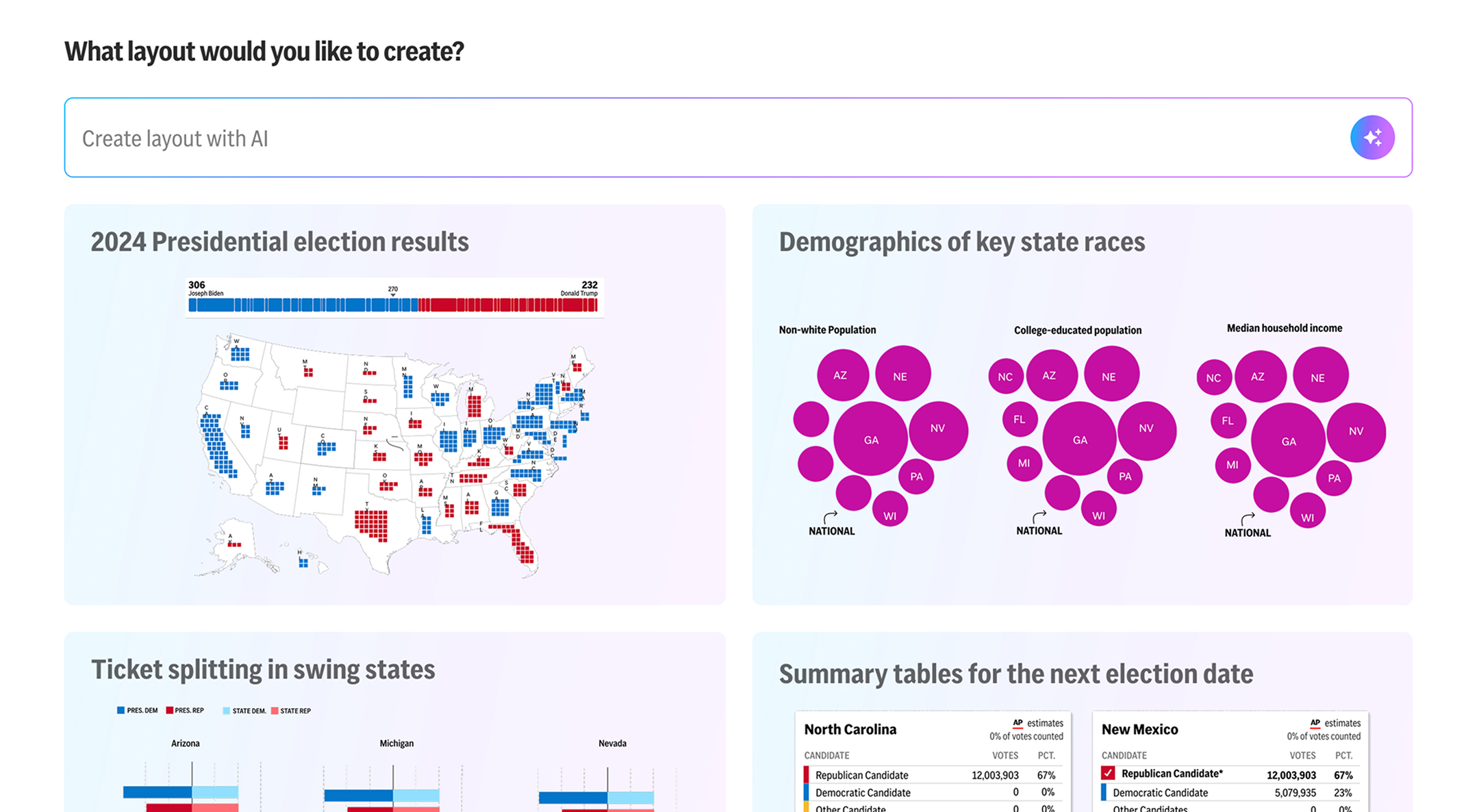
The Associated Press runs a commercial platform where news organizations, including NPR, CBS, and Yahoo!Japan, customize and embed interactive election visualizations into their own sites and broadcasts. To prepare for the 2024 election season, I led the redesign of the Election Graphics platform.
Alongside that work, I ran a sprint to explore how AI could reduce the cognitive load of building dozens of election visualizations, and where exactly it should live in the workflow.
Team
1 developer, 1 product manager, 1 product owner, 5 graphics developers
Even with an improved editor, the cognitive load of creating at scale remained unsolved. Editors had to manually browse, select, and place each visualization one by one. And with dozens to build before election night, the sheer scope of the work was overwhelming before they had even begun.
This pointed to a new question: could AI reduce that burden, and where in the workflow should it live?

“I’m creating hundreds of visualizations for primaries and general elections – and it’s just me doing it all.”
"What needs to get done before election night is enormous. It's hard to even know where to start."

I conducted user interviews with 5 key customers and found a clear pattern. The interaction costs of building visualizations were both physical and cognitive. Editors knew what they needed to cover, but faced with a blank canvas and dozens of layouts to build, many didn't know where to begin.
This insight combined with the business opportunity for AI, shaped the direction of the sprint. I explored 3 hypotheses for where AI could fit into the workflow, each representing a different level of involvement:

Two constraints shaped every direction from the start:
The first direction tackled the blank-canvas problem head-on. Instead of requiring users to manually browse and select visualizations, I explored a prompt-based layout builder that generates a starting layout from a single line of input, getting editors the majority of the way there instantly.
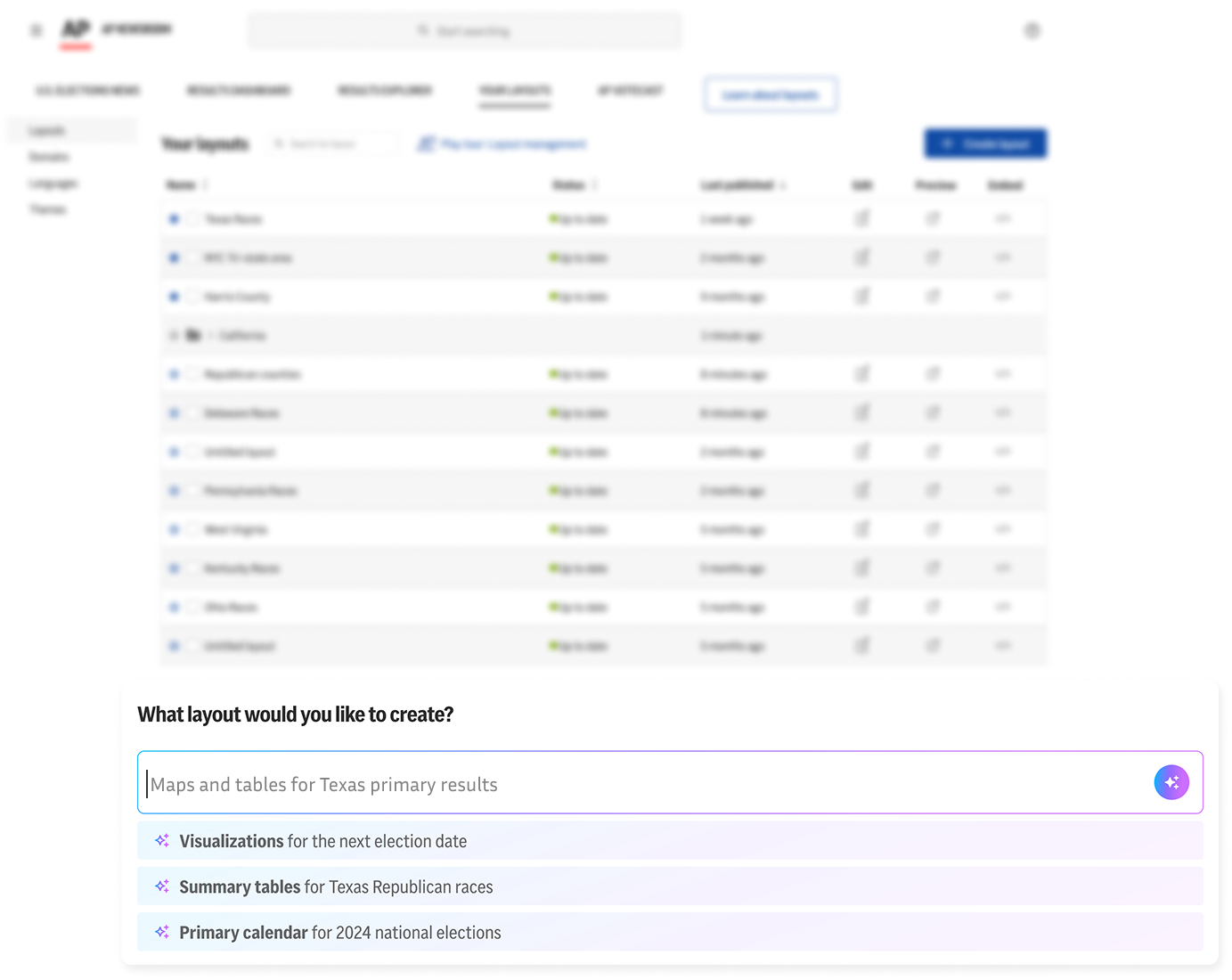
Exploration: Prompt suggestions for speed and discoverability
For users who weren't sure what to ask, pre-written example prompts reduced the intimidation of using AI for the first time and helped surface layout possibilities they wouldn't have thought to ask for.
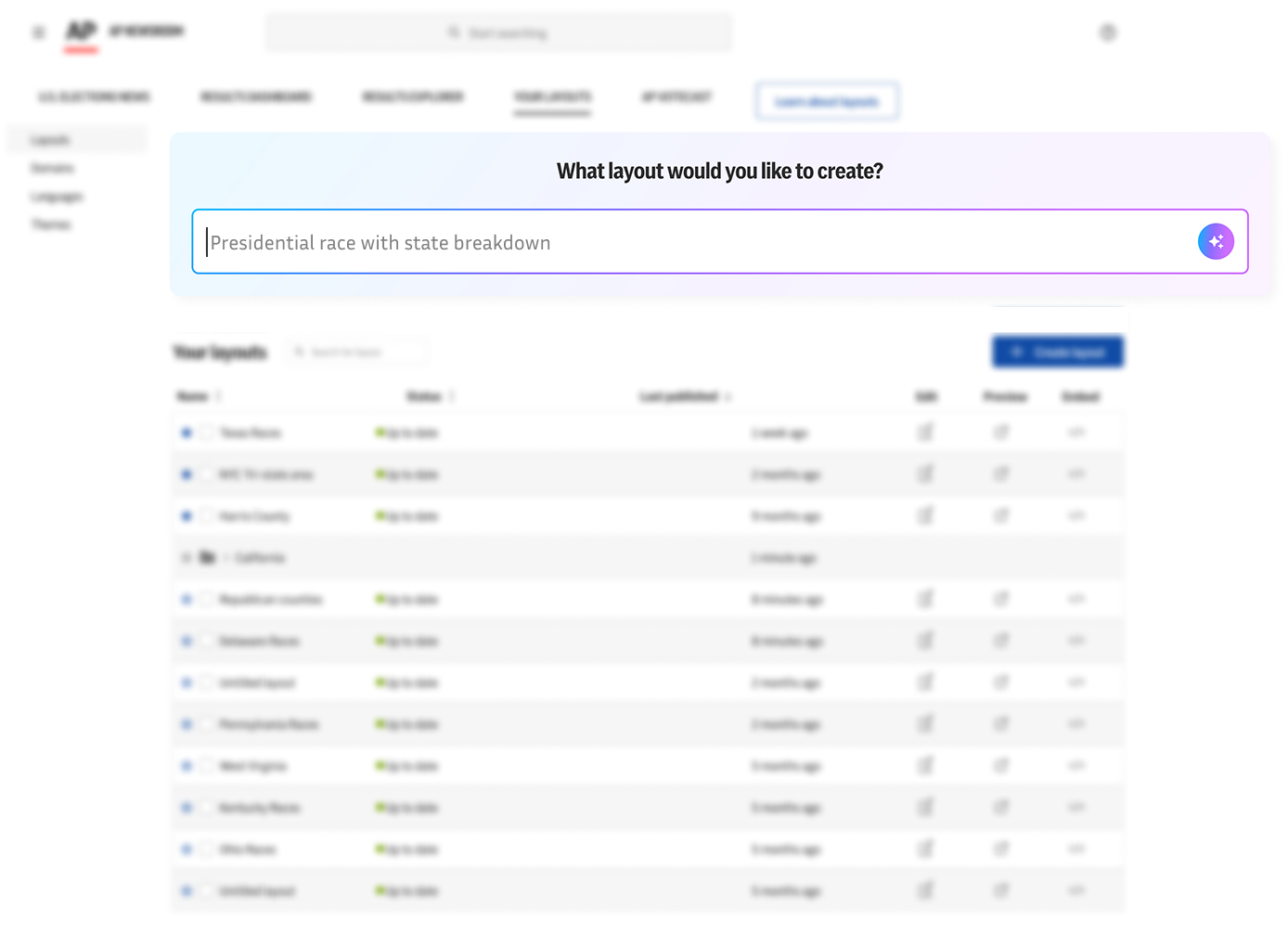
Exploration: Start from a prompt
With a prompt, AI creates a layout with the suggested visualizations, getting them the majority of the way there instantly.
Experienced editors didn't want AI to take over, but they'd welcome smart suggestions along the way. Direction 2 kept AI firmly in an assistive role, embedded inside the existing Layout Editor side panel.
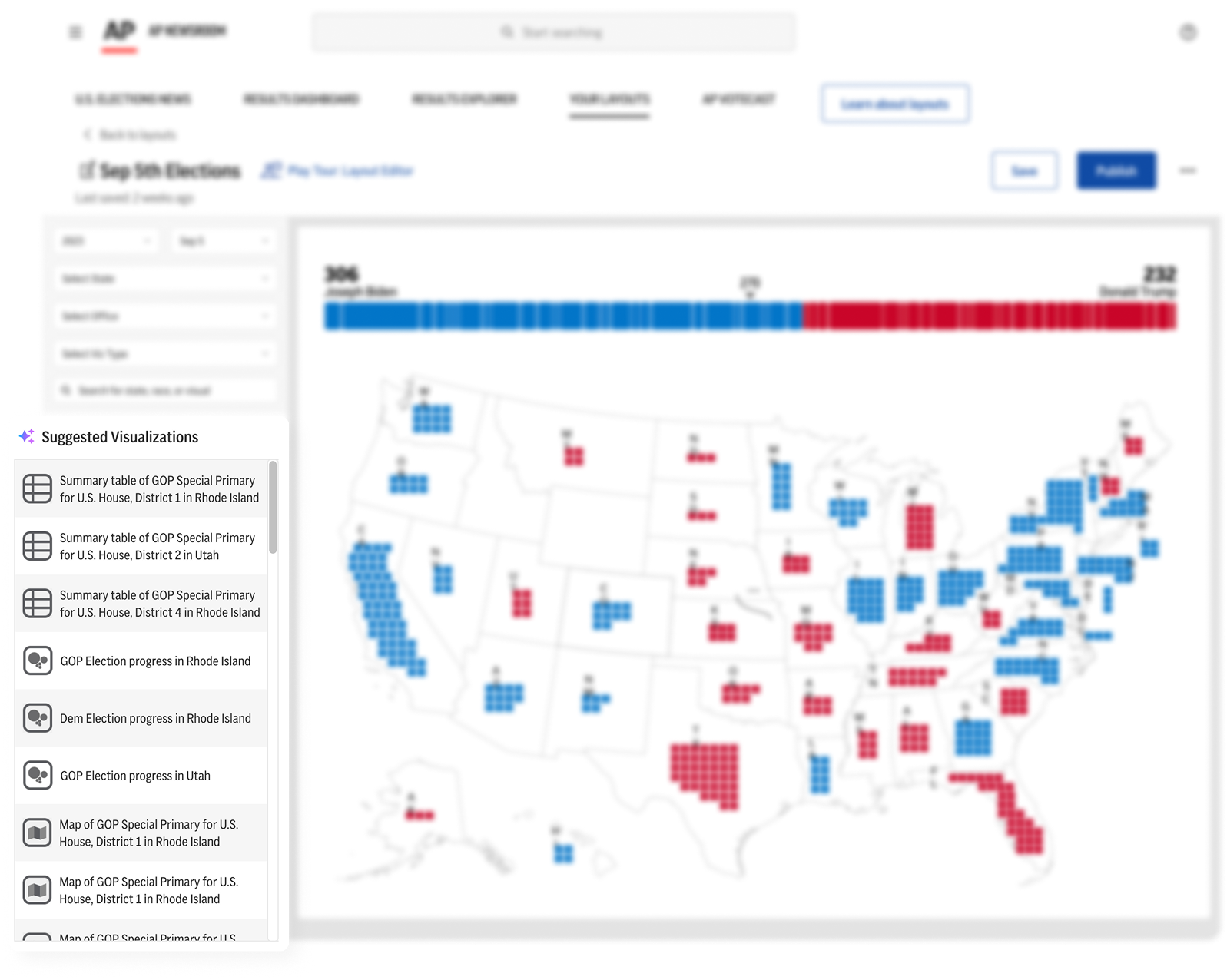
Exploration: Suggested visualizations based on context
The side panel dynamically surfaces recs based on filters already applied and past usage patterns, surfacing the institutional knowledge of seasoned editors so less experienced users can build faster.
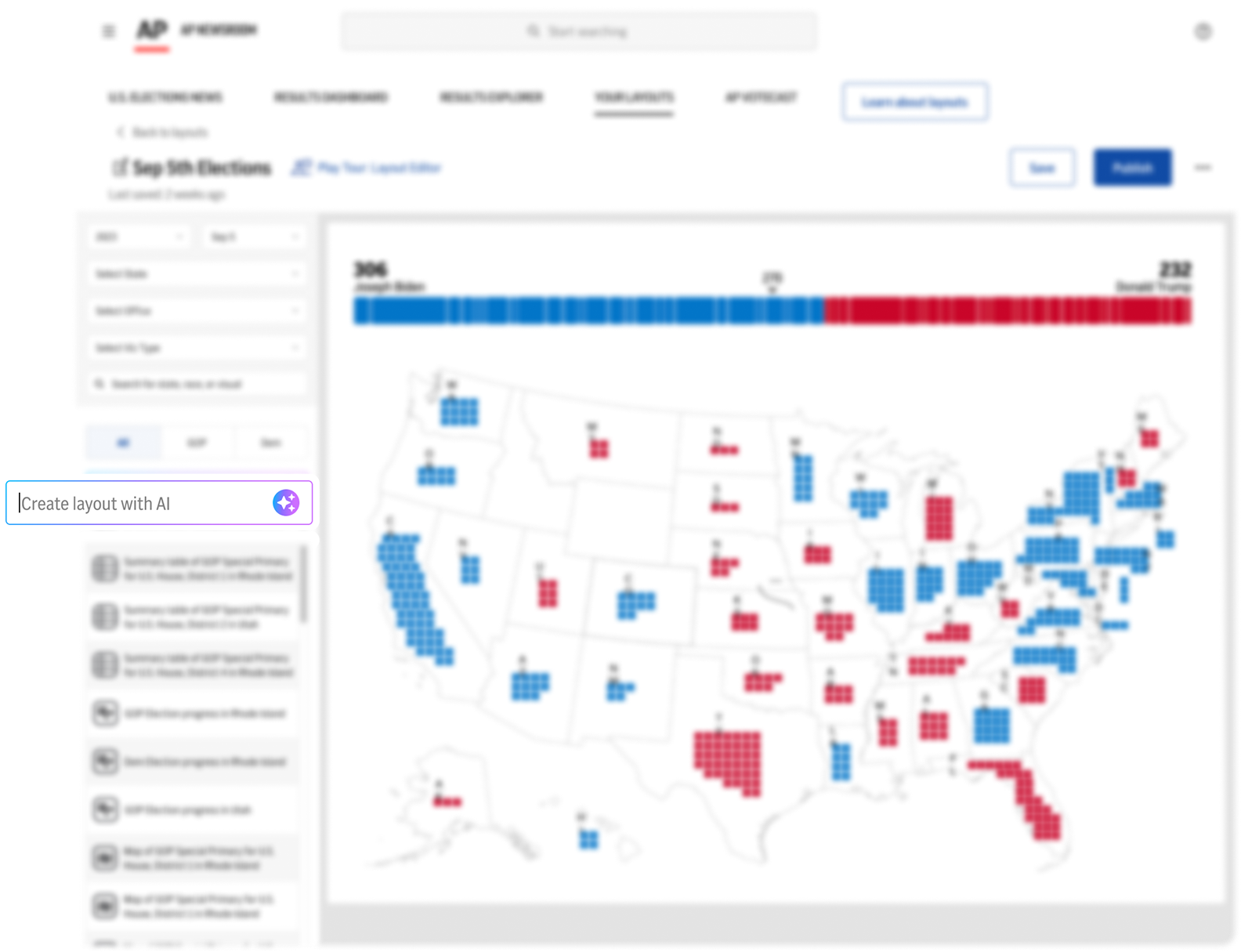
Exploration: Prompt directly in the sidebar
Users can ask for specific layouts right from the sidebar, like "Add a county map for Georgia," without navigating away from their work. Flexible, and keeps editors in flow.
The third direction positioned AI as a co-editor directly on the art board, helping users refine their work in real time. It had the highest potential of the three, but also required the most guardrails.
Exploration: Proactive suggestions, not just reactive ones
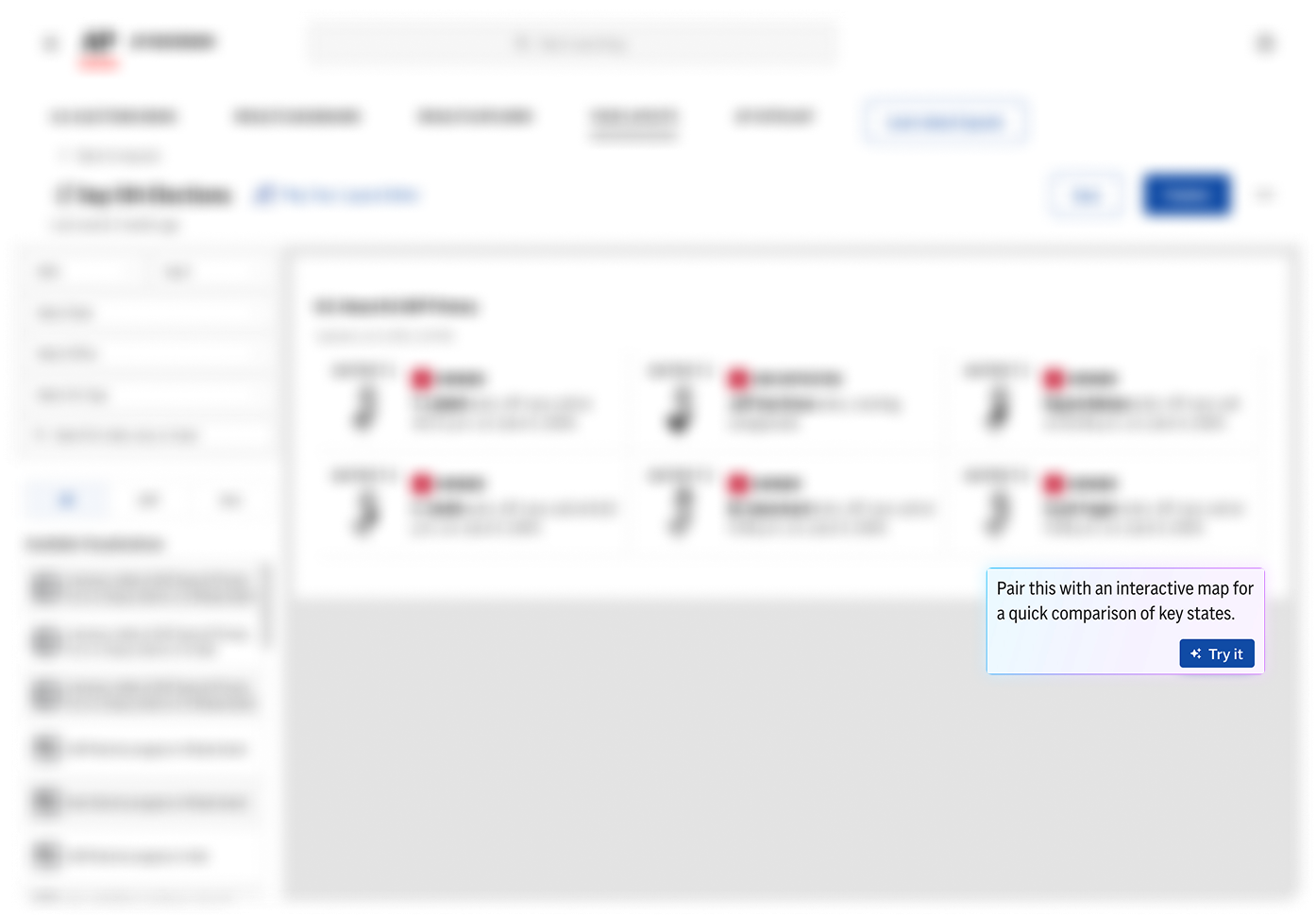
A lightweight tooltip system for proactive nudges. In this example, AI notices a user has placed a summary table and suggests: "Pair this with an interactive map for a quick comparison of key states."
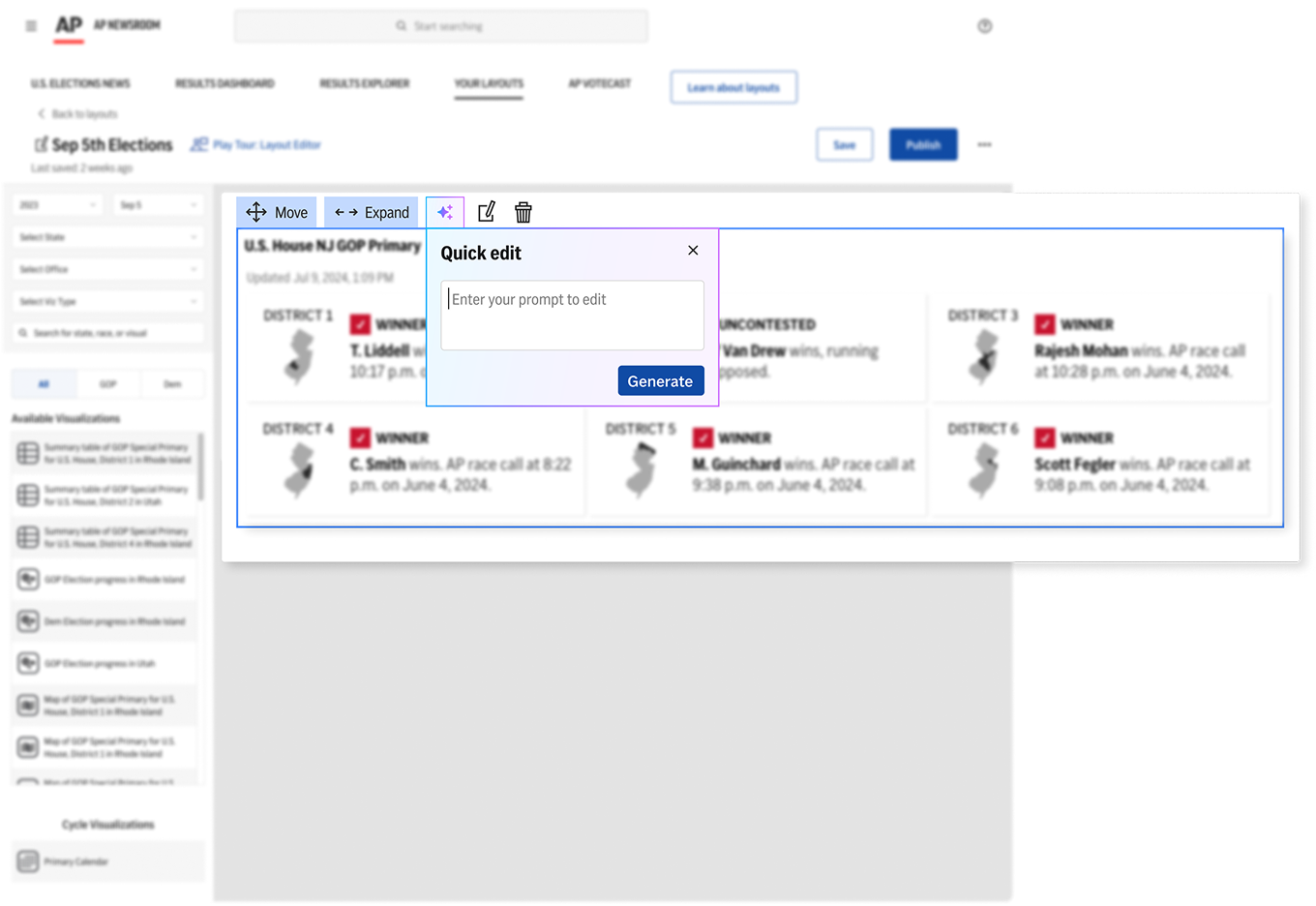
Exploration: Quick edit prompting
Select any visualization and prompt AI to modify it on the fly, for example: "Change the colors to match AP style" or "Condense this table into a summary view."
Why was this direction deprioritized?
The AP’s reputation relies on factual accuracy, and we couldn't risk introducing AI-generated errors into published election visualizations. This direction would require a more robust editorial review system before it's viable to ship.
Of the three directions explored, the AI Layout Builder has the highest immediate impact with the lowest risk. Editors can type out a prompt, and AI generates a visual grid of suggested layouts tailored to their election context, getting them the majority of the way there instantly.
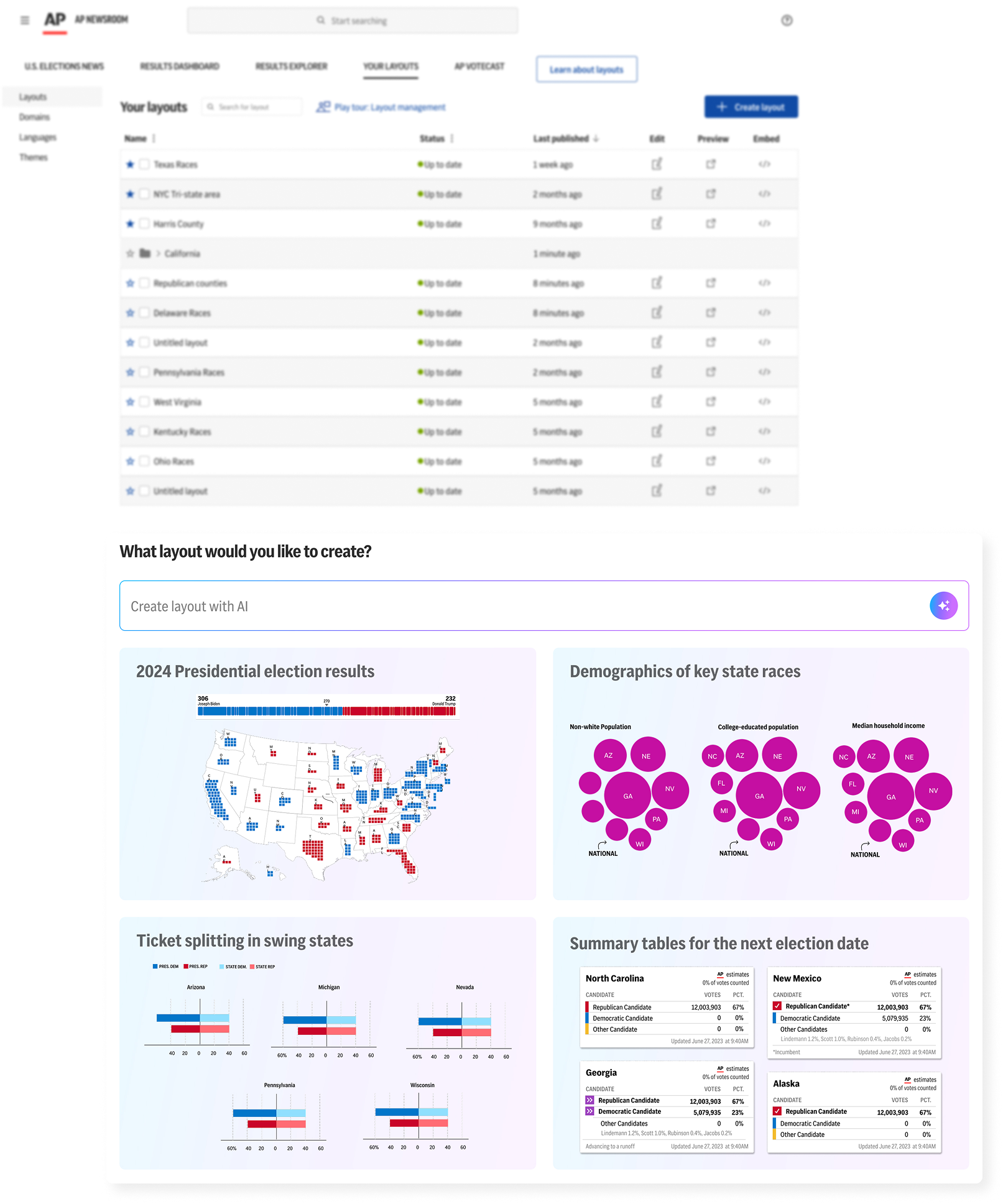
Each direction represents a different philosophy for how AI should fit into a high-stakes, time-pressured workflow. With a tight election timeline and limited engineering capacity, the team focused on shipping the most impactful improvements first, but the thinking is in place and ready for the next election cycle.
Direction 1 is the clearest next step. A prompt-based layout builder directly addresses the biggest cognitive burden editors face, getting them from zero to a working layout in seconds.

%201.png)

.jpg)